VRM Viewer
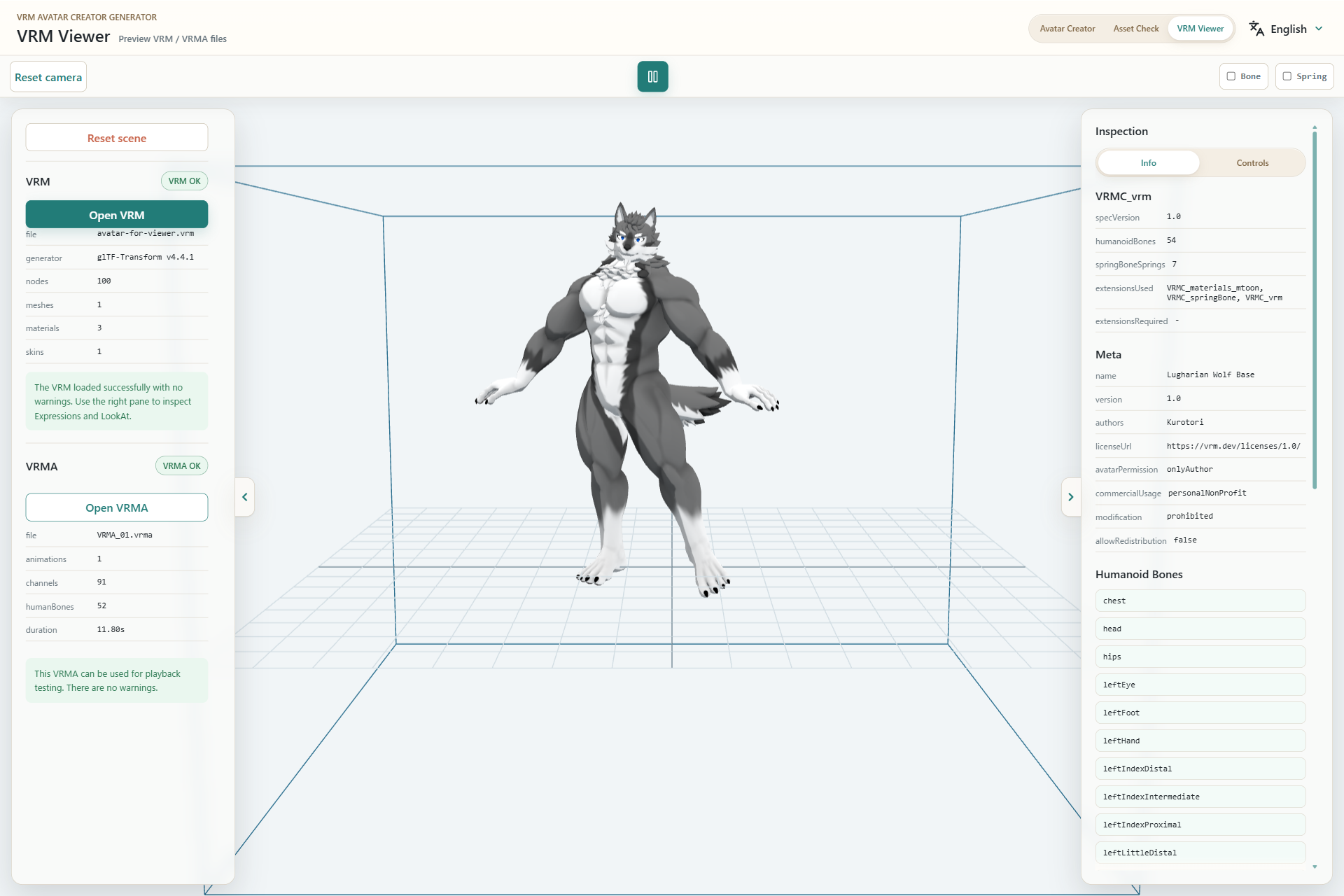
- Open the VRM you want to inspect.
- Optionally add a VRMA animation and review its load result.
- Rotate and zoom the model to inspect its appearance.
- Play or stop VRMA and toggle Bone or Spring overlays.
- Inspect VRM metadata, materials, images, and expressions.
Inspection workflow
- Select Open VRM and choose a
.vrmfile. - Review the preview and warning list.
- Optionally select Open VRMA and choose a
.vrmafile. - Use playback, Bone, and Spring controls to inspect motion.
VRMA animation is mapped to compatible Humanoid bones. Some motion may differ depending on the model and animation structure.