Base, Parts, and Parameters
Manage assets
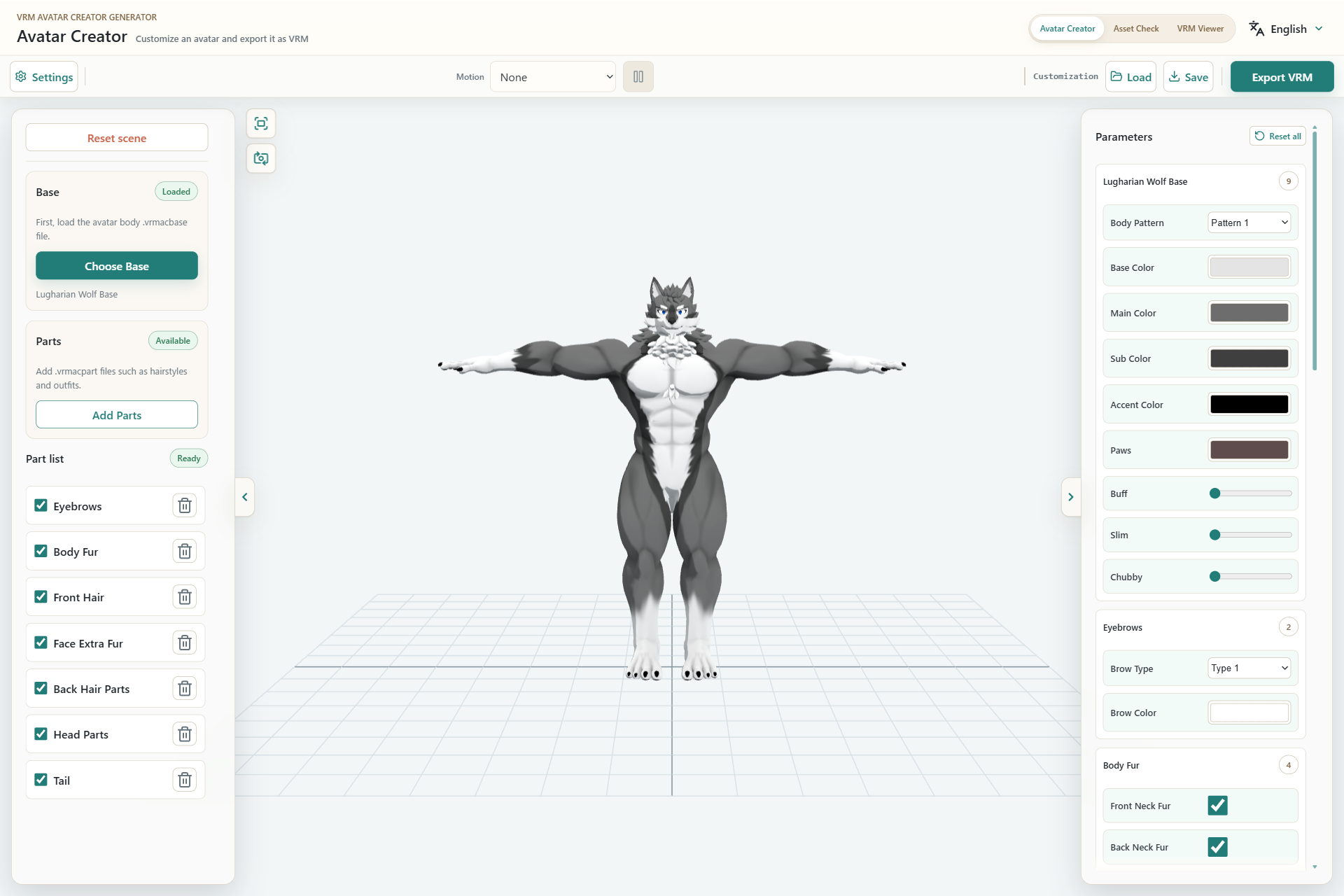
- The current Base. Choosing another Base replaces it.
- Add compatible Parts assets.
- Use checkboxes to toggle visibility or remove a Part from the list.
Some Parts declare compatible Base IDs. If a compatibility error appears, check the asset distributor's required Base and Parts combination.
Adjust parameters
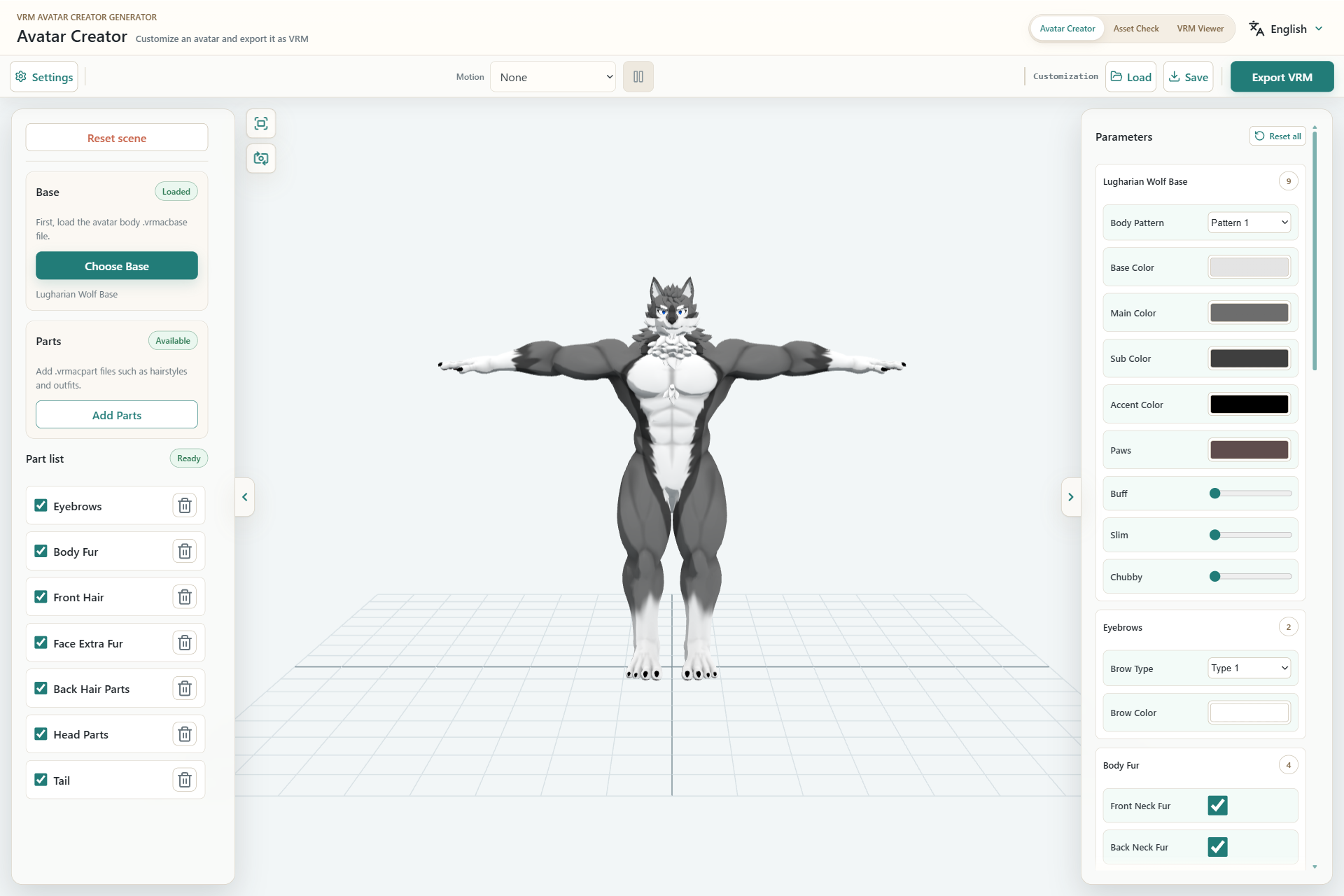
- Expand or collapse each asset group.
- Select one value from a preset list.
- Open the color picker.
- Drag a slider or adjust it with the keyboard.
Reset all returns every parameter to the asset default. To reset only one color or shape, set that control back to its default value.