Export a VRM
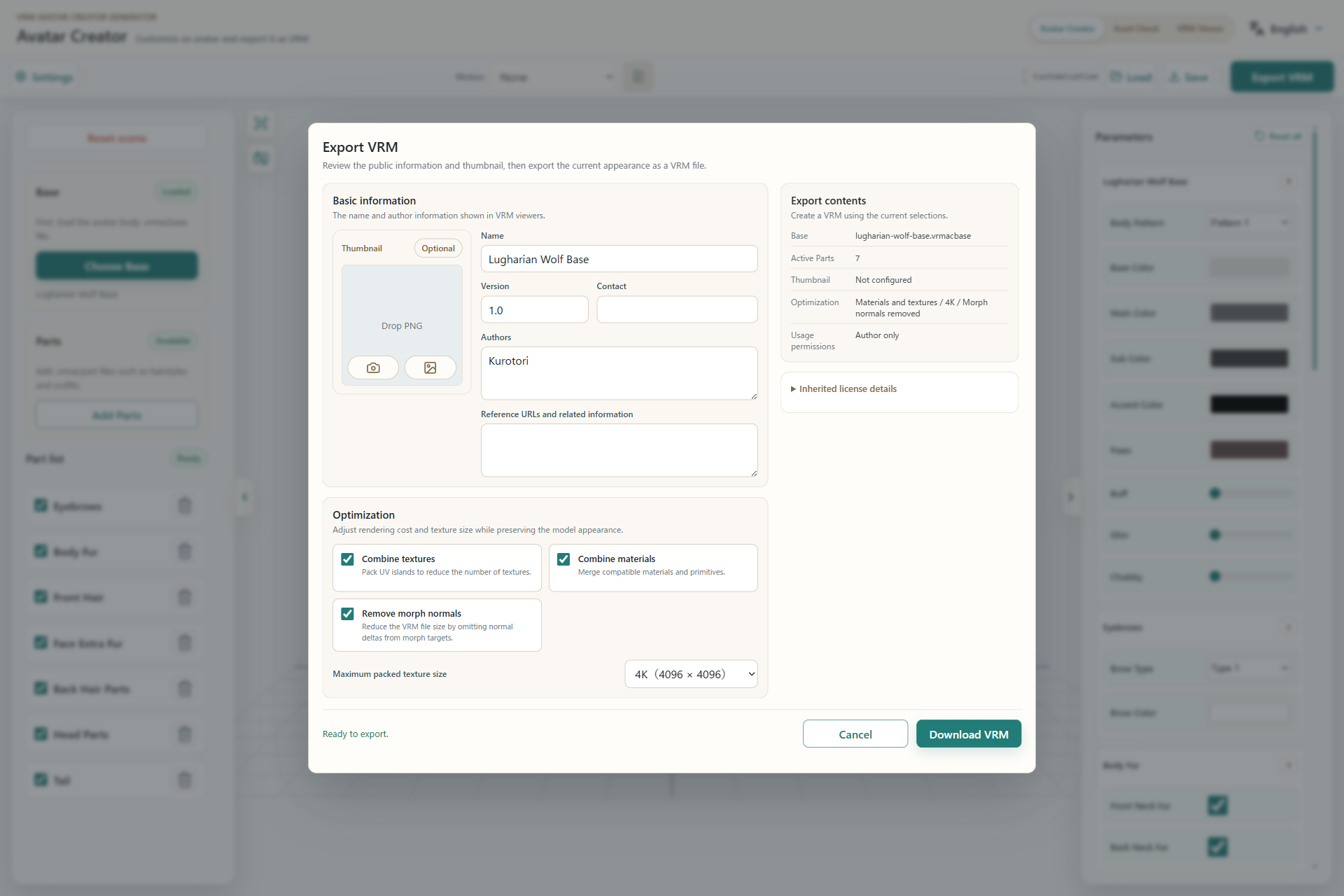
- Public name, version, author, and contact information.
- Material and texture merging and the maximum packed texture size.
- Final Base, Parts, thumbnail, and permission summary.
- Download becomes available when required fields are complete.
Basic information
Name and Authors are required. This information may be shown publicly by compatible VRM viewers and services.
Thumbnail
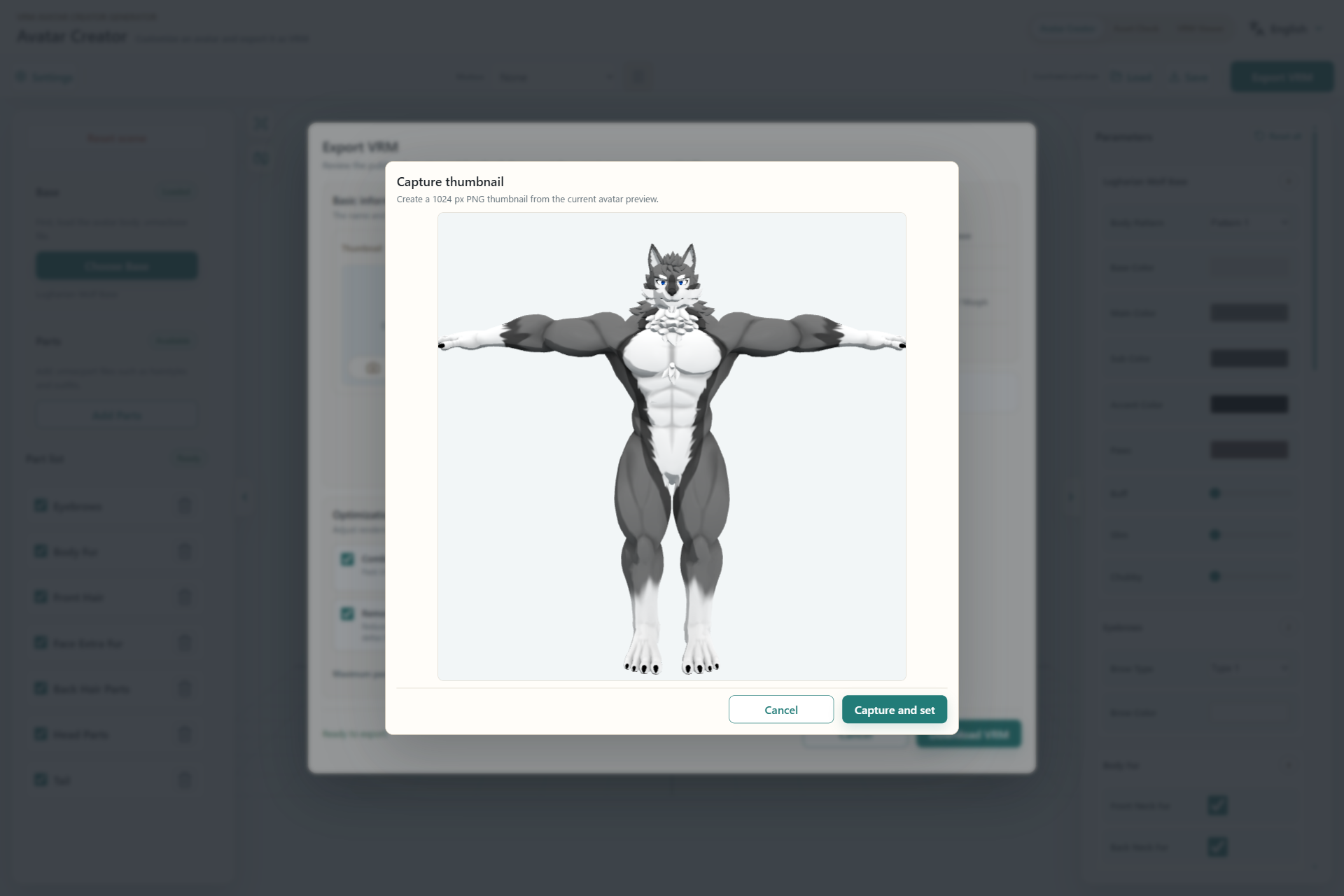
- The current 3D preview used for the thumbnail.
- After the preview is ready, capture and set it as the thumbnail.
Optimization
- Combine textures: packs UV islands to reduce the number of textures.
- Combine materials: merges compatible materials and primitives.
- Maximum packed texture size: choose 4K, 2K, or 1K based on file-size and destination limits.
Permissions
The export summary shows permissions inherited from the Base and Parts. Confirm the allowed use, redistribution, and modification before exporting.